Tap a card,
open your page.
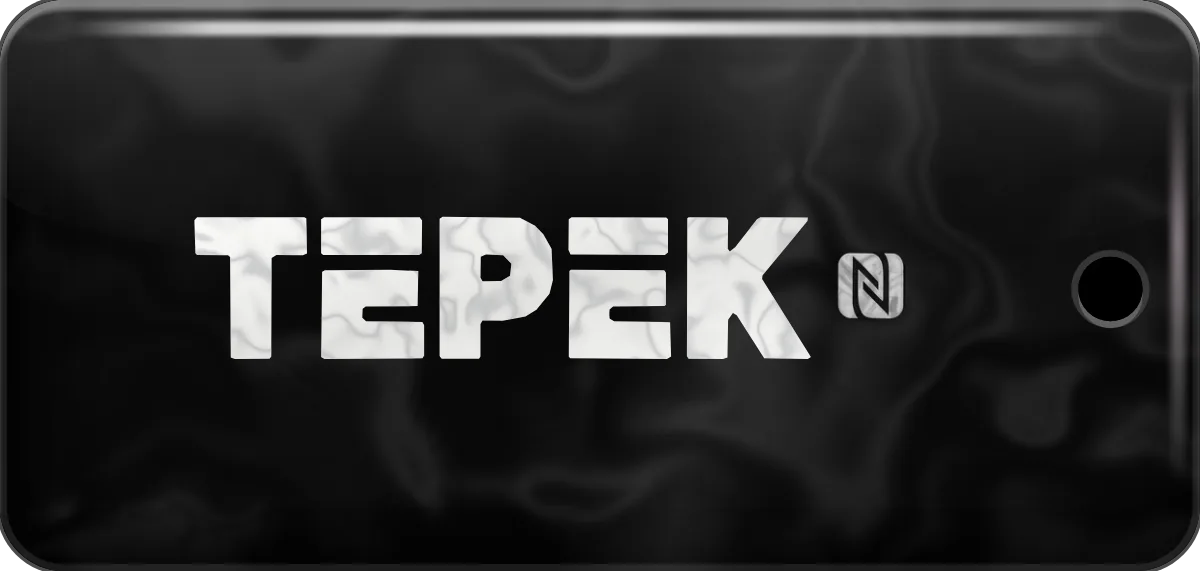
The Tepek card and keychain open your page on any phone. Cards and keychains are sold on these two stores.
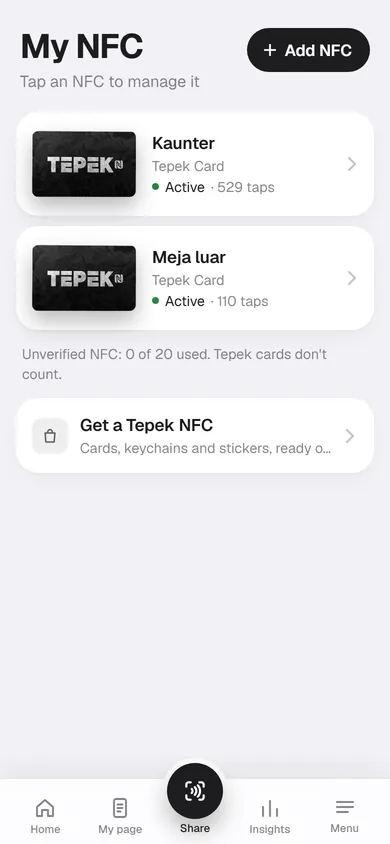
My NFC
Every NFC is
its own page.
- Its own page
- A second card starts empty, or copies another.
- Its own numbers
- Insights for each NFC, or all together.
- Pause a lost one
- A tap then shows a paused page.
- Quick link
- For a while, a tap opens another link, like a money packet.
Add your card
in a minute.
Get a card or keychain
From the store buttons above.
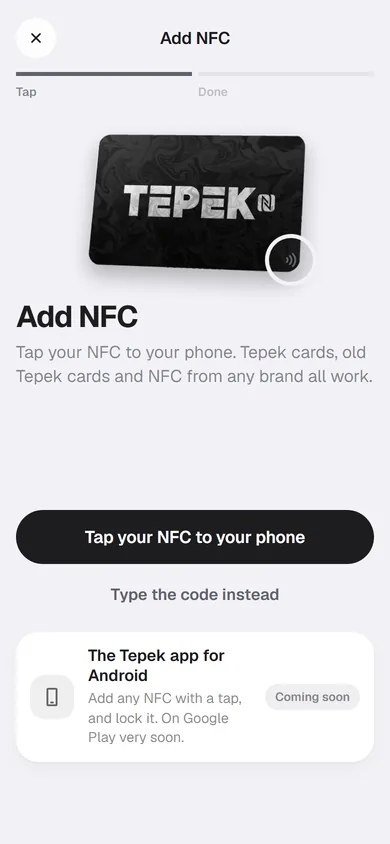
Open Add NFC
In the app or at tepek.me/app.
Tap it or type its code
The code is printed on its back.
Test tap
On any phone.
Three ways in
Any card,
any phone.
- A Tepek card or keychain
- A tap or its code. Tepek locks it.
- Another NFC tag
- Any brand: Tepek gives you a link, NFC Tools writes it.
- An Android phone nearby
- Scan a QR with it in Chrome, then tap there.
Pricing
Free and Lifetime
Tepek cards work the same on both.
Start on Free. Lifetime is RM 29, paid once in the Tepek app.
| What you get | FreeRM 0 | LifetimeRM 29, once |
|---|---|---|
| Tepek cards | Unlimited | Unlimited |
| Your page, links and social icons | Yes | Yes |
| Insights | Last 7 days | Last 30 days |
Lifetime is bought in the Tepek app for Android.
Do people need an app to tap my card?
No. Their phone opens your page like a link. iPhones read NFC on their own; on Android, NFC has to be on.
Where do I buy one?
On TikTok Shop or Shopee, from the buttons on this page. The card and the keychain work the same way.
What if I lose it?
Open the menu, then Pause a lost NFC, and pick it. Anyone who taps it sees a paused page.
Can I use an NFC tag I already have?
Yes. Add it with NFC Tools: Tepek gives you a link for it and NFC Tools writes the link to the tag.
Your name is waiting